

CarPlay and Android Auto are both smartphone-based infotainment systems designed to bring key mobile functions into your car. However, they come from two different ecosystems—Apple and Google—which leads to significant differences in experience, compatibility, and functionality.
1. Core Difference: iOS Ecosystem vs Android Ecosystem
CarPlay is developed by Apple and works exclusively with iPhones. Its main idea is to simplify driving by mirroring essential iPhone functions such as navigation, calls, messages, and music onto the car’s display in a clean and consistent interface.
Android Auto, developed by Google, is designed for Android smartphones. It focuses on openness and flexibility, integrating deeply with Google services like Google Maps, Google Assistant, and various third-party apps.
In simple terms:
CarPlay = iPhone driving interface
Android Auto = Android driving interface
2. Interface and User Experience
CarPlay is known for its clean, minimal, and highly consistent interface. The layout is uniform across all supported vehicles, making it very easy to use with almost no learning curve. It is designed for stability and simplicity while driving.
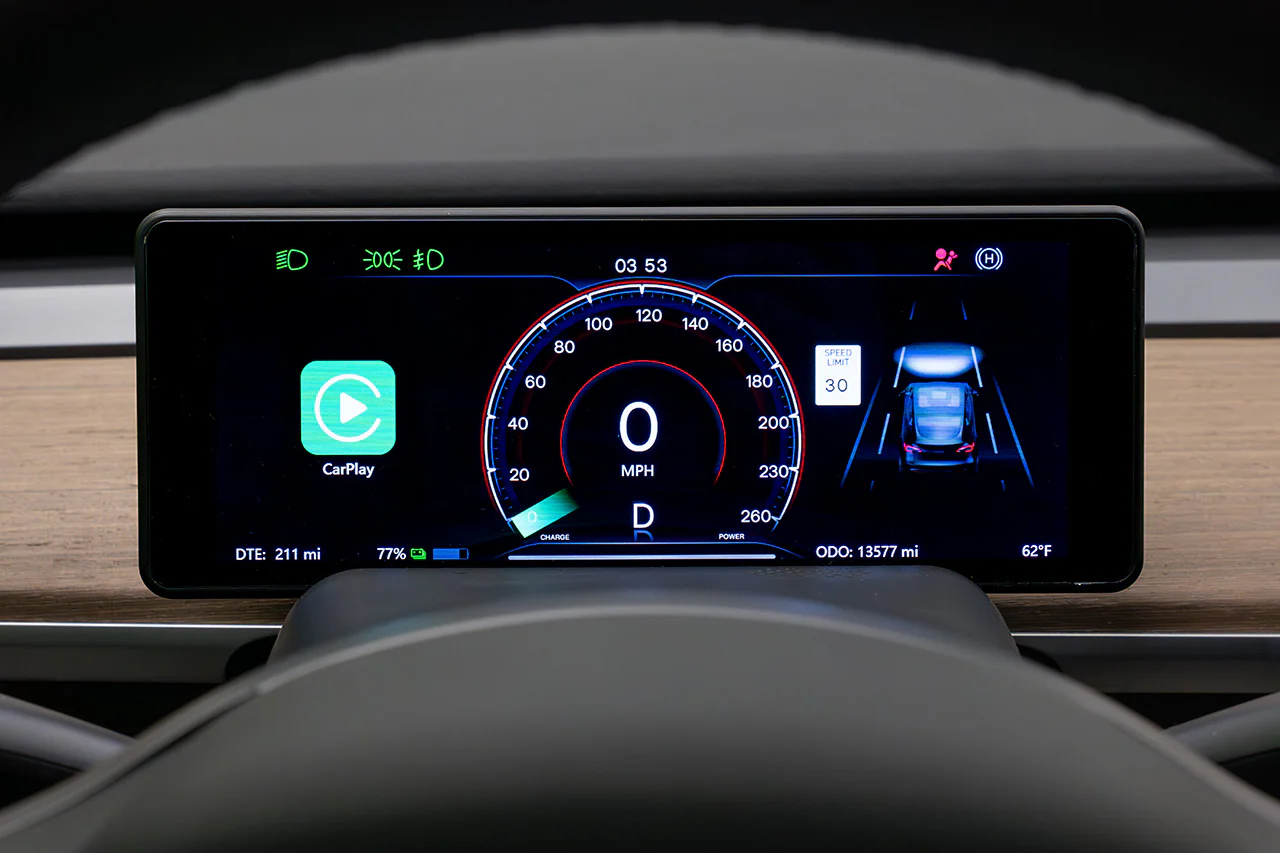
Android Auto offers a more flexible and information-rich interface. It allows for more customization in layout and supports dynamic widgets and features depending on the device and Android version. However, the experience may vary slightly between different phone brands.
3. Navigation and Maps
Navigation is one of the biggest differences between the two systems.
CarPlay primarily uses Apple Maps by default, although it also supports Google Maps and Waze. Its performance is stable, but in some regions, map data updates may be less frequent compared to Google’s ecosystem.
Android Auto is built around Google Maps and Waze, which are widely considered industry-leading navigation tools. It offers highly accurate real-time traffic data, faster rerouting, and stronger performance in complex driving conditions.
4. Voice Assistant Performance
CarPlay uses Siri as its voice assistant. It works well for basic tasks such as making calls, sending messages, and controlling music. However, its functionality is relatively limited compared to Google’s system.
Android Auto uses Google Assistant, which is more advanced in natural language processing. It can handle more complex commands, provide richer information, and offer more flexible voice control options while driving.
5. App Ecosystem and Flexibility
CarPlay has a more controlled and restricted app ecosystem. It mainly supports navigation, audio, messaging, and podcast apps. While this limits flexibility, it also ensures a more stable and consistent experience.
Android Auto is more open and supports a wider range of third-party apps. This makes it more versatile, especially for users who rely heavily on Google services and external applications.
6. Stability and Compatibility
CarPlay generally offers higher stability on iPhones because it is tightly integrated into the Apple ecosystem, with consistent software and hardware optimization.
Android Auto performance can vary depending on the phone brand, Android version, and manufacturer customization. Some devices may experience slightly different connection stability or performance levels.
7. Conclusion
The difference between CarPlay and Android Auto is not about which one is better, but rather which ecosystem you are part of.
If you use an iPhone, CarPlay offers a more stable, simple, and consistent driving experience. If you use an Android device, Android Auto provides more flexibility, stronger navigation capabilities, and deeper integration with Google services.
In summary:
CarPlay = simple, stable, and consistent
Android Auto = flexible, powerful, and navigation-focused
Your choice ultimately depends on your smartphone ecosystem, not your car.