

Tesla is one of the most unique players in the automotive industry. While most modern cars now integrate Apple CarPlay as a standard feature, Tesla continues to take a completely different path with its fully in-house infotainment system. This raises a recurring question among users: Why doesn’t Tesla support CarPlay, and do drivers actually need it?
This article takes a deep look at Tesla CarPlay from system philosophy, real user experience, and practical workarounds.
🚗 1. Does Tesla Support CarPlay? The Simple Answer
At the moment, Tesla does not support Apple CarPlay or Android Auto natively.
- You cannot plug in your iPhone and launch CarPlay
- There is no built-in CarPlay interface
- All functions rely entirely on Tesla’s own operating system
Compared to traditional automakers like BMW, Mercedes-Benz, and Volkswagen, which fully support CarPlay, Tesla stands out as a fully closed ecosystem.
So the real question becomes:
👉 Why does Tesla intentionally avoid CarPlay?
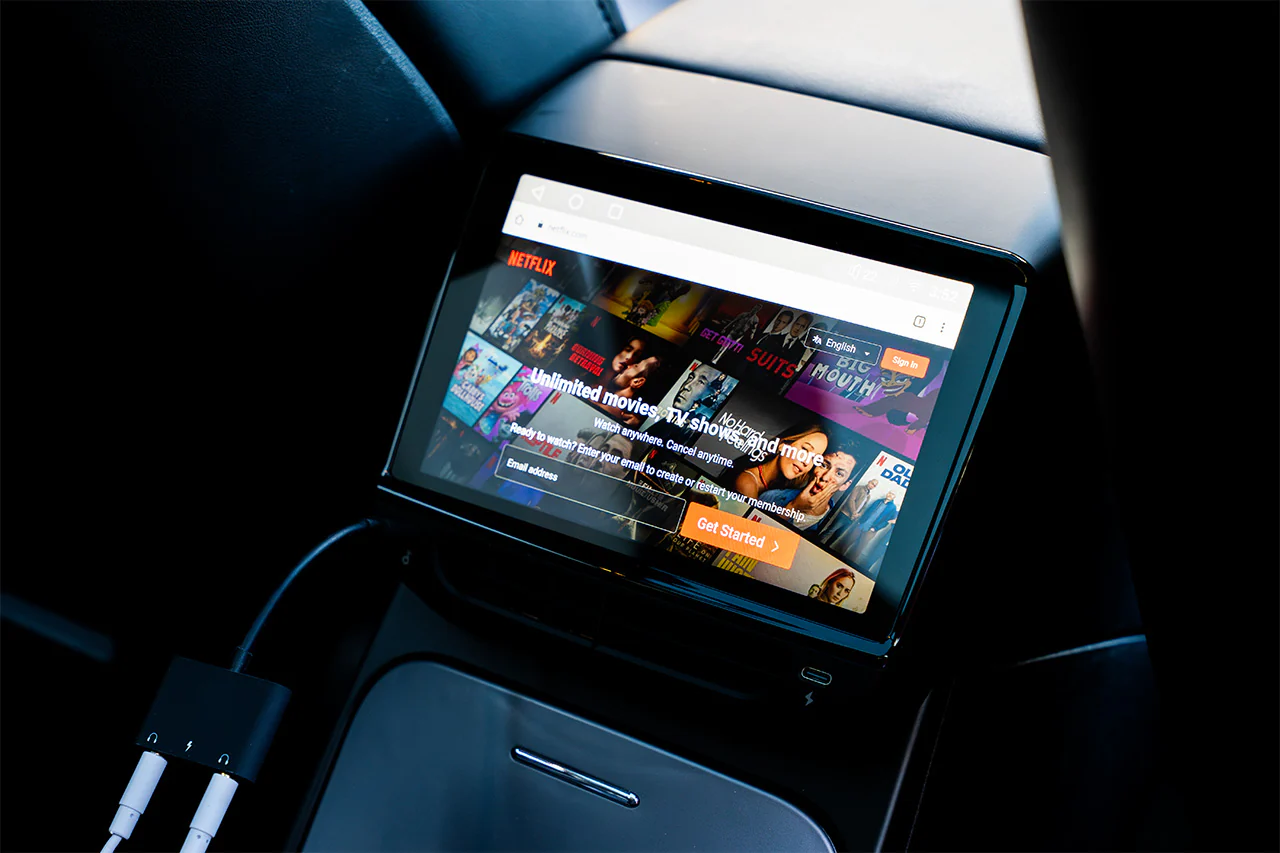
🧠 2. Tesla vs CarPlay: Two Completely Different Philosophies
🔷 Tesla’s Approach: A Fully Integrated System
Tesla’s infotainment strategy is built around one idea:
- The car is the platform
- Everything (navigation, media, vehicle controls) runs inside Tesla OS
- Updates are delivered via OTA software improvements
This creates:
👉 A highly unified and consistent user experience
🍏 CarPlay’s Approach: Phone-Centered Experience
Apple CarPlay works differently:
- The iPhone becomes the “brain”
- The car acts as a display interface
- Navigation, music, and messages are controlled by iOS
This creates:
👉 A seamless extension of the smartphone ecosystem
⚠️ Core Conflict
The fundamental difference is:
- Tesla: The car is the primary system
- CarPlay: The phone is the primary system
👉 These two models are structurally incompatible in philosophy
📱 3. How CarPlay Is Used in Tesla (Unofficial Methods)
Even though Tesla does not support CarPlay officially, users have found alternative solutions.
📡 1. Browser-Based CarPlay
Some users access web-based CarPlay interfaces via Tesla’s built-in browser.
Pros:
- No additional hardware required
Cons:
- Limited stability
- Higher latency
- Not a true native experience
📦 2. Third-Party CarPlay Boxes
Devices like Carlinkit-style adapters attempt to bring CarPlay into Tesla.
Pros:
- Closer to native CarPlay experience
- Supports navigation, music, Siri
Cons:
- Additional hardware required
- Possible lag or compatibility issues
🧩 3. DIY Raspberry Pi Solutions
Tech-savvy users build custom CarPlay systems using Raspberry Pi.
Pros:
- Highly customizable
- Flexible configurations
Cons:
- Complex setup
- Requires technical knowledge
🎮 4. Real User Experience: Do You Actually Need CarPlay in Tesla?
This is where opinions split.
👍 Users who prefer CarPlay:
- Heavily rely on Apple Maps or Google Maps
- Use Siri for messaging and calls
- Prefer Apple Music / iOS ecosystem integration
👎 Users who don’t need CarPlay:
- Find Tesla navigation sufficient
- Use built-in Spotify, YouTube Music, etc.
- Prefer Tesla’s unified interface
- Appreciate fewer system dependencies
🧠 Real takeaway:
👉 CarPlay is not a necessity issue—it is a habit and ecosystem preference issue
🚘 5. Driving Experience Comparison
Tesla Native System:
- Fast and responsive UI
- Highly integrated vehicle controls
- Strong automation features (navigation, climate, Autopilot integration)
CarPlay Experience (in Tesla via workarounds):
- Familiar smartphone interface
- Strong app ecosystem
- But adds an extra layer between user and car system
👉 Key difference:
Tesla optimizes for driving-first interaction, while CarPlay optimizes for phone-first interaction
⚖️ 6. Is Installing CarPlay in Tesla Worth It?
✔️ It may be worth it if you:
- Are deeply embedded in the Apple ecosystem
- Prefer Apple Maps / Siri navigation flow
- Want familiar UI inside the car
❌ It may not be worth it if you:
- Are already comfortable with Tesla’s UI
- Prefer a clean, unified system
- Want minimal hardware complexity
💡 Key decision factor:
👉 If your driving experience depends heavily on your phone, CarPlay adds value
👉 If you prefer a standalone car ecosystem, CarPlay becomes redundant
🔮 7. Will Tesla Ever Support CarPlay?
Based on Tesla’s current strategy, full CarPlay integration seems unlikely.
Reasons include:
- Strong focus on proprietary software ecosystem
- Tight integration between UI and vehicle systems
- Data and experience control staying in-house
However, user demand remains strong, especially among iPhone users.
👉 A more realistic future:
Partial integration or limited compatibility rather than full CarPlay support.
Tesla and CarPlay are not just different features—they represent two opposing philosophies of in-car computing.
- Tesla: closed ecosystem, full system control, software-defined vehicle
- CarPlay: open ecosystem, smartphone-driven experience, external dependency